Review the stock before you relist.
See which listings have been sitting, how much you paid for them, and whether they deserve another run. Flippedit brings age and COGS together so you can choose what to clear, and sets the relist delay, price step-down and floor for the rest.
Stale inventoryYour relist rules applied to active listings. Each relist creates a new listing ID at the next price on your ladder.Illustrative example.

Age first, robot second
Listings surface at 30, 60, and 90+ days with the capital sitting in them. You reprice, liquidate, or keep. Automation runs on the keepers, not on every quiet SKU.
It uses eBay's Sell Similar
You are not learning a third listing format. Flippedit ends the quiet listing and creates a fresh one with eBay's own action, so the item re-enters search with a new identity.
Price rules you set
Choose a total drop spread across up to 20 relist cycles, or a floor price the item never goes below. The ladder is shown before you save, and any item can have its own rules or be excluded.
Included, not an upsell
Daily monitoring and the automation are part of every subscription. You turn it on after you have walked the 90-day band once, not because a higher plan unlocked a robot.
How it works.
Find the stock that needs attention, make a decision, then relist the items you want to keep selling.
-
Find stale listings
Review stock sitting for 30, 60 or 90+ days and see the purchase costs tied up in it.
-
Set the rules
Relist delay in days, total price drop or floor price, number of cycles, relist hour and daily pace. Per account, with per-item overrides.
-
End and Sell Similar
After the delay, the old listing ends and a new listing ID goes live at the next price. COGS and any promoted listing ad follow it.
Your first month, 10% off.
Get a discounted signup link in your inbox. First-time signups on the monthly plan.
Auto-relisting is not the hard part.
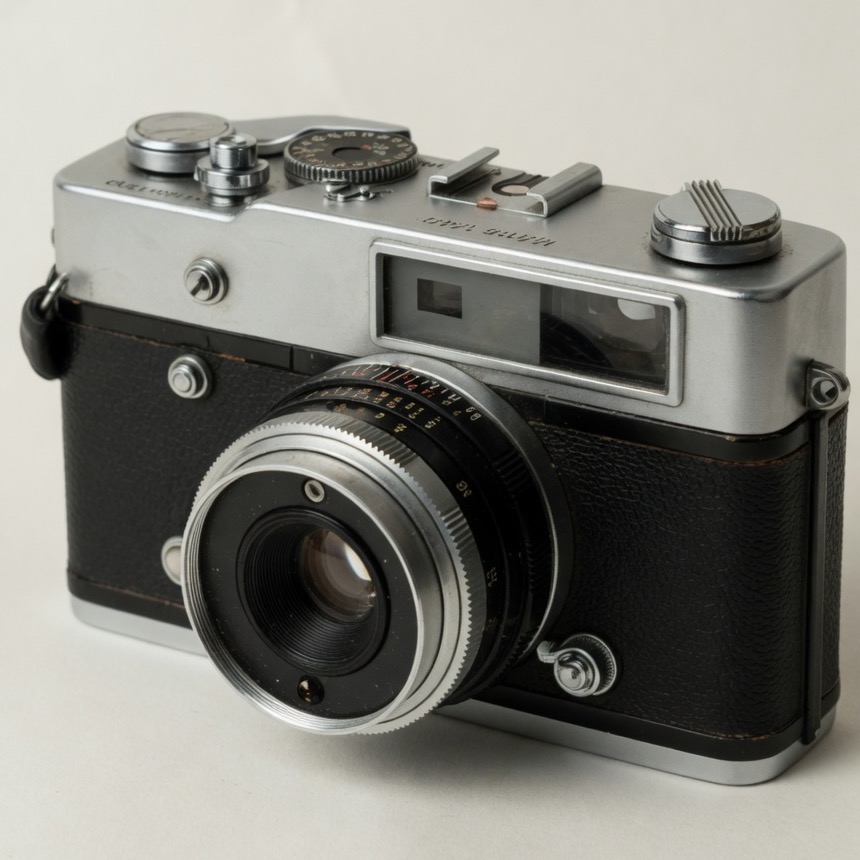
Any timer can end a listing and throw it back into search. Plenty of “auto relist” tools do exactly that. They also refresh the $4.04 vintage camera body that has been listed 516 days with zero sales, which is how a store fills with zombies that hurt sell-through.
eBay's search cares about sell-through. A yard of stale active listings is not neutral. It is a signal. Relisting everything on a clock hides the signal without fixing the stock.
Flippedit's job on this URL is the phrase people search: stale eBay listings, handled with sell similar automatically, plus the decision most tools skip.
Why not relist everything on a timer?
Because a 500-day listing with no sales does not need a new item number. It needs a price cut or a box to the charity shop.
Refreshing it:
- Resets the listing age you should have been reading as a warning
- Keeps capital trapped ($847.50 in one of our product visuals for a small slice of dead stock)
- Drags store-wide sell-through. Store health targets 90%+ sold ÷ listings over 90 days; a store at 74.9% is flagged short of sales. Zombies make that worse.
The automation is useful after the cull, not instead of it.
What “stale” means here.
Not “unsold today.” Not “ended because you ran out of free listings.” Stale means active too long without a sale, bucketed at 30 / 60 / 90+ days so you can match how you source.
A high-ticket machine part can sit 60 days and still be a good hold. A $12 DVD that sat 90 days after an ad-heavy first fortnight is a different call. That is why this feature lives next to profit, not in a vacuum. Stale inventory is the feature page.
Capital, not vibes.
Sellers relist because the item “should have sold.” Flippedit shows the dollar figure instead. Money in unsold listings is money you cannot spend on the next sourcing run. Auto-relisting a bad hold makes you busy. Selling it, even at a loss, can be the profitable move because it unlocks the next buy.
Use days-to-sell on completed sales as the contrast. If similar stock sold in 12 days at a 35% margin, and this copy has sat 90 days, the stale one is not waiting for a ranking refresh. It is waiting for a decision.
What we will not claim.
We will not claim that Sell Similar guarantees a sale. It gives the listing a new chance in search. The item still needs a title, a price, and demand.
We will not claim that every store should auto-relist. Stores with 20 careful listings can do it by hand. Stores with hundreds of active SKUs cannot, not every week, not honestly.
We will not run the automation with your eyes closed unless you ask it to. The default story is: see stale, decide, then let the refresh run on the keepers.
Sell Similar, without the folklore.
Sell Similar is eBay's own action: take an existing listing, clone the useful bits, start a new listing. Sellers already use it by hand when something ends. Automatic Sell Similar is that action on a schedule you do not have to remember.
What it does not do:
- Rewrite a bad title into a good one
- Change your photos
- Invent demand
- Drop a price further than the floor you set
If the stale item is stale because the title is a serial number and a brand typo, relisting clones the typo. Fix the listing in Hub, then let automation keep it fresh.
What it does do:
- Give the listing a new start date and identity in search
- Step the price down on your ladder and carry the promoted listing ad across
- Save the Hub session for inventory you already priced correctly
- Keep good stock from ageing into the 90-day bucket while you are sourcing
Pair it with the 30/60/90 flags so you are not surprised by a clone of something you meant to kill.
Relist vs revise vs end.
Three different buttons get mashed together in seller groups.
Revise is Hub: change price, postage, or copy on the same listing. Use it when the listing is young and the price is the problem.
End is for stock that should not be live (sold elsewhere, damaged, you want it off search tonight).
Relist / Sell Similar is for stock that should be live but has gone quiet.
Flippedit's automation is the third. If you needed the first, change the price. If you needed the second, do not turn auto-relist on for that SKU. The stale view exists so you can sort those three piles before the robot runs.
Setup, simply.
Start the trial. Connect eBay. Let listings sync. Open Auto Relist and set the relist delay, the total drop or floor price, the number of cycles and your daily pace. Exclude anything you want left alone. Flippedit pre-checks every listing against eBay's rules before it touches one, so problems show up on day one. Walk the 90+ day band by hand at least once so the zombies are gone before the robot starts.
If that sounds like more than a timer bot, good. Timer bots are how you get 516-day camera bodies with a fresh item number.
When auto-relisting hurts.
A few patterns where you should keep the robot off:
- Price-testing. You are changing price every few days. A fresh listing every 30 days fights the test.
- One-of-one art or parts. If the photos and title are the asset, clone carefully in Hub, not on a timer.
- Stock you already sold elsewhere. Facebook sold it last night. Auto-relist would put it back. End it.
- Seasonal holds. Christmas stock in July can look “stale” and still be a plan. Flag it, do not refresh it into a worse search season.
The 30/60/90 buckets are defaults for thrift and general flipping. They are not a moral law. Change the decision, then automate the boring remainder.
Price.
Auto-relisting is included: $29 AUD a month or $229 AUD a year, with a free trial.
Start free trial, look at what is older than 60 days, and only then turn the robot on.
A few things you might be wondering.
Get clear on the details before you connect your store.
Does Flippedit automatically relist stale eBay listings?
Yes, when you turn the automation on. Flippedit ends listings that have gone quiet and creates a fresh one with eBay's Sell Similar, so the item re-enters search with a new listing identity.
What counts as a stale listing?
We flag active listings that have sat 30, 60, or 90+ days without selling, and we show the capital tied up in them. You decide the threshold that matches how you source.
Will it relist items that should be donated?
Not blindly, if you use the profit view. Age plus true cost plus fees is the decision layer most timer bots skip. Reprice or kill first, then auto-refresh the rest.
Does this replace Seller Hub's Sell Similar?
It uses eBay's Sell Similar. You are not learning a third listing format. You are skipping the manual Hub session for stock that already earned another run.
Will I lose watchers when a listing relists?
Yes. Sell Similar creates a new listing with a new item ID, so watchers, views and the old listing's history do not carry across. On a listing that has sat 60 or 90 days that is rarely a loss: those watchers were not buying. If you want to keep watchers on a specific item, exclude it from the rules and it is left alone.
Does relisting affect my eBay search ranking?
A relisted item starts as a fresh listing, so it gets the new-listing boost and shows up in newly listed sorts again. What hurts ranking is store-wide sell-through, and relisting dead stock on a timer keeps that number low. Cull or reprice first, then let the automation refresh stock that has earned another run.
Is auto-relisting included?
Yes. Daily monitoring and the automation are part of every subscription ($29 AUD a month or $229 AUD a year), with a free trial.